Pause & Inform — Supermall’s Animated Master Head for Real-Time Store Status
My Role:
Product & Visual Designer (UI + Motion)
Team:
Product Manager, Frontend Devs, QA
Timeline:
1 month design & motion → 1 month dev & iteration
Skills:
UI/UX Design, User Flow Mapping, Problem Solving, Stakeholder Collaboration, Responsive Designs
tools used
Figma
Design
Photoshop
Design
Illustrator
Design
AfterEffects
Animation
Lottie
Animation
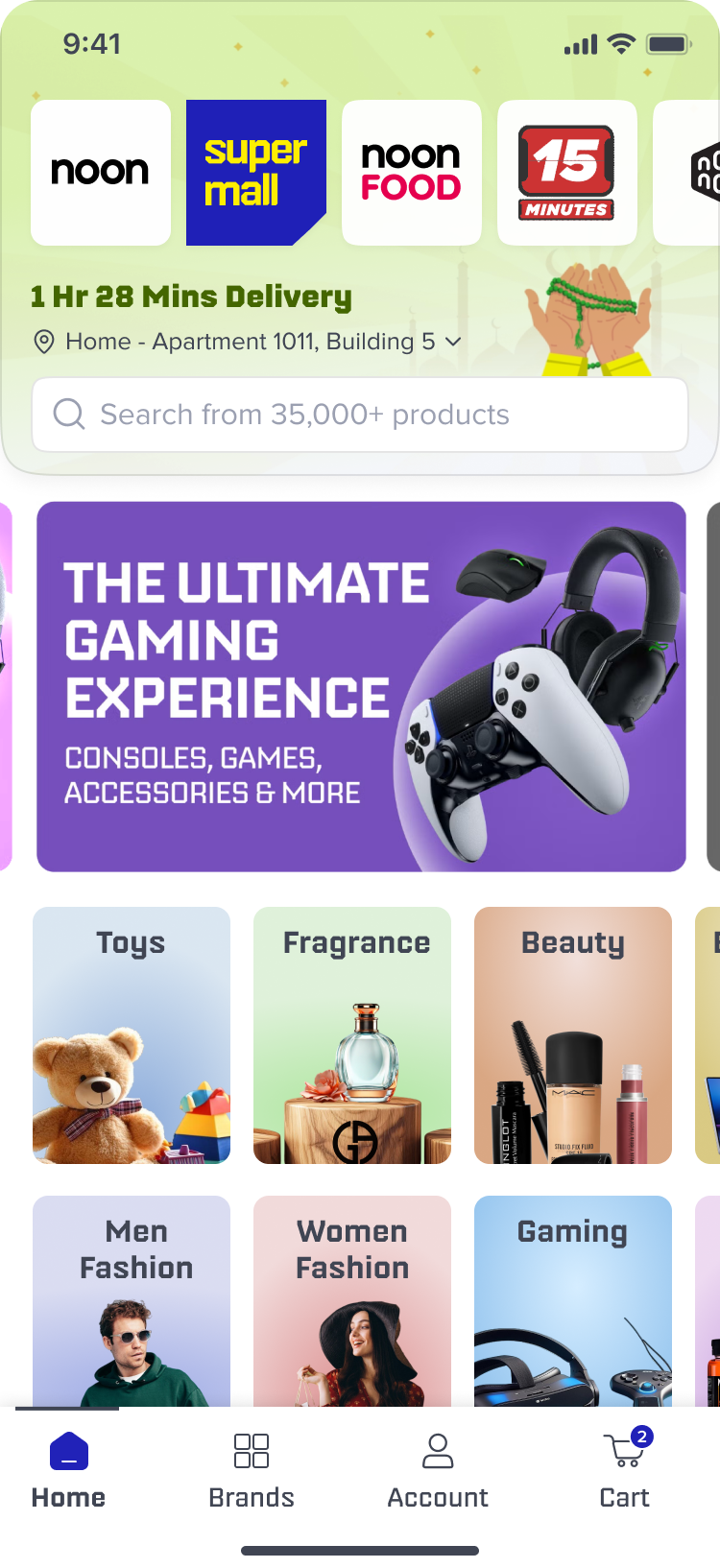
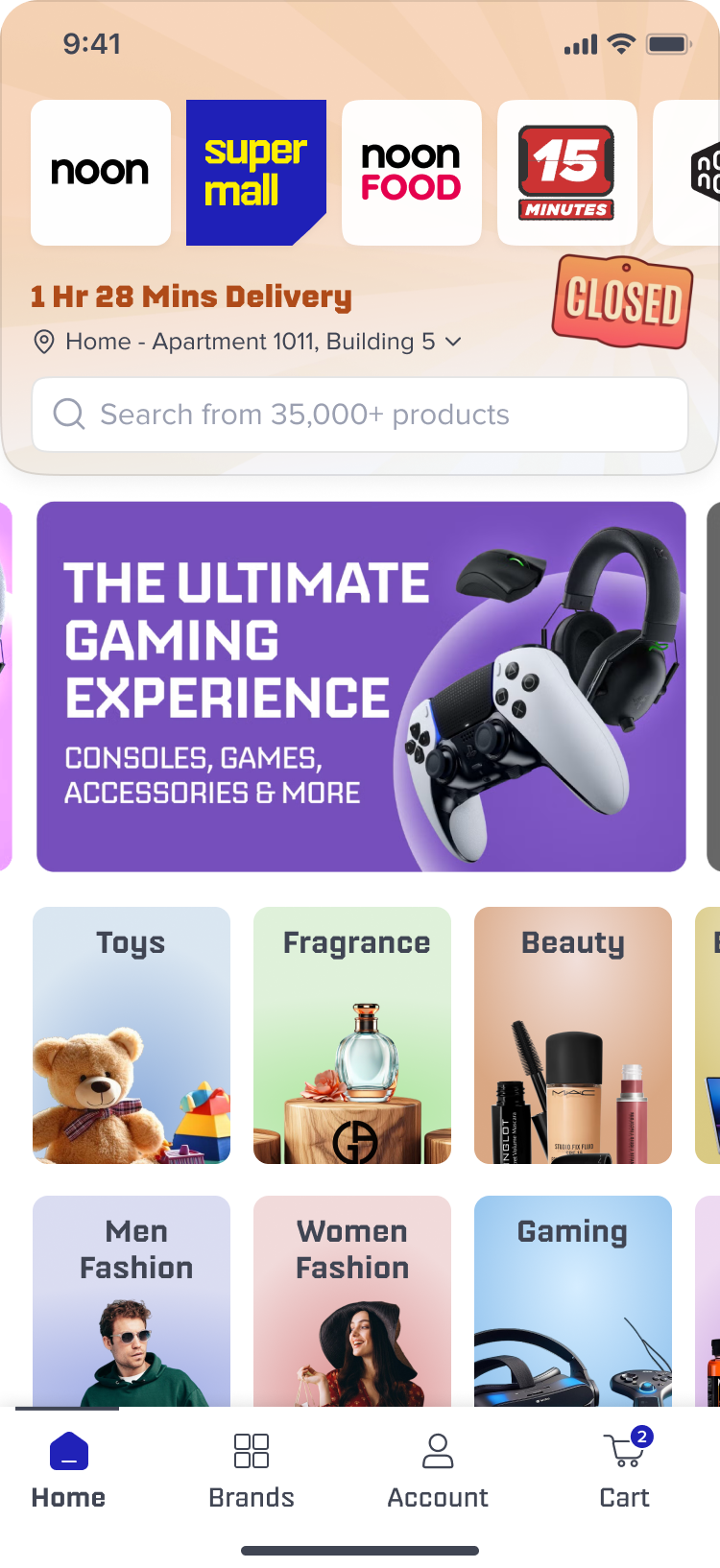
Supermall needed a friendly, glanceable way to tell customers when a store’s availability or deliveries are affected (heavy rain, sandstorms, prayer times, or high demand). I designed a motion-first ‘master-head’ that communicates situation, nudges users, and works across mobile breakpoints.
Context & Background
Problem Statement:
Users were unaware when a local store was closed or delivery was delayed due to weather, prayer time, or demand surges. The old UI had no dedicated visual language for interruptions — messages were inconsistent and frequently missed.
Business impact:
Confusion led to increased support queries and avoidable cancellations. The business wanted to reduce cancellations and improve customer confidence without changing core flows.
Unclear Messaging
Confused Customer
Exits Application
Goals:
Increase user awareness of store closures/delays.
Reduce cancellations caused by surprise closures/delayed deliveries.
Deliver an elegant solution that’s glanceable, non-intrusive, and mobile-friendly.
Research & Competitive Analysis
Hypothesis:
An animated, contextual master-head will quickly communicate cause (rain / sand / prayer / demand) and reduce surprises.
Design Solution — Concept & States
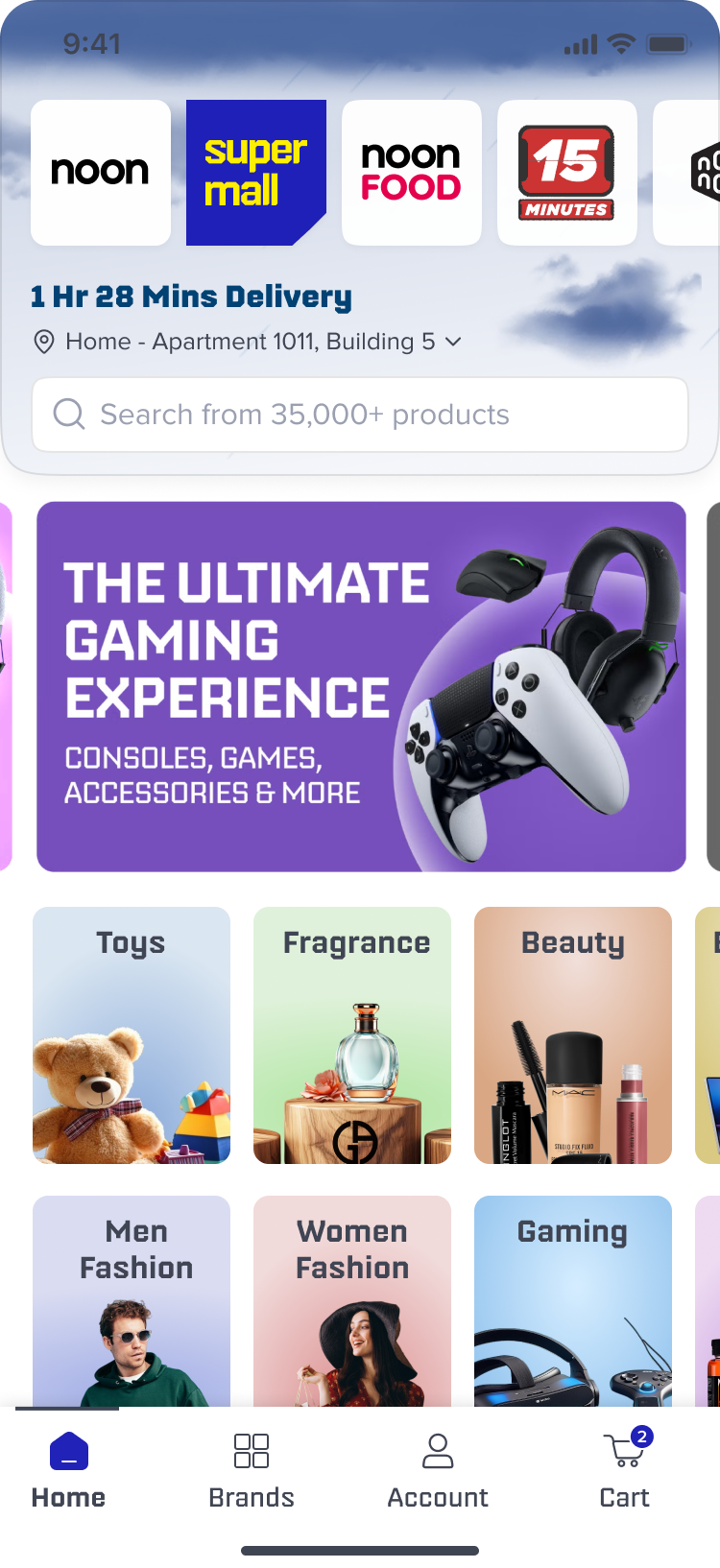
A master-head (top portion of the Supermall screen) that cycles through three states for each use case:
Raindrops: falling particles, stagger 120ms, bounce on search bar.
Loop: smooth loop with subtle easing, overall 2s.
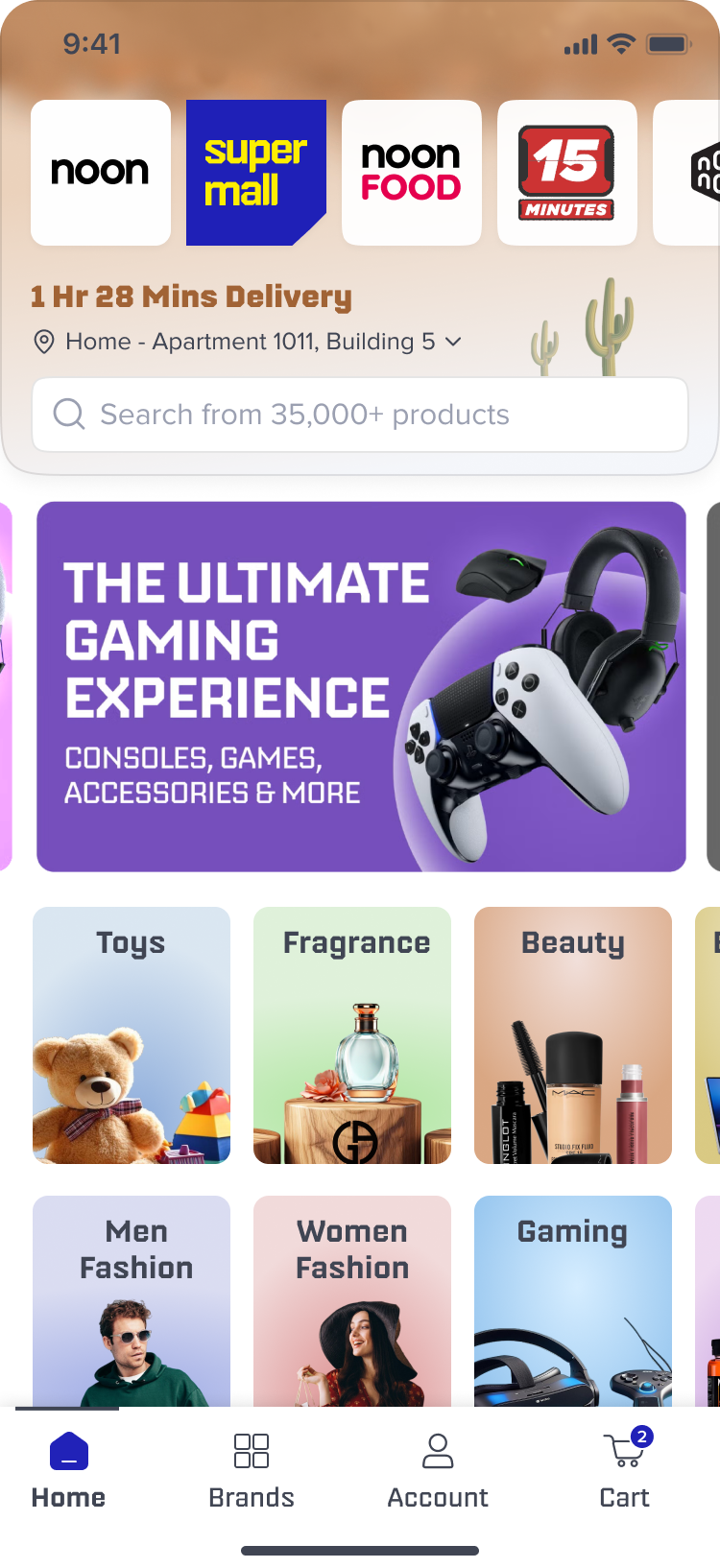
Sandstorm
Particle swirl: translateX -30px → 30px with variance, continuous motion.
Soft blur at edges so crop feels natural on smaller heights.
Responsive & Developer Implementation
Technical constraint encountered:
Lottie assets were initially exported at fixed width/height; on different phone breakpoints the animation either overflowed or got squashed. Dev team couldn’t implement the animation due to technical limitations.
Solution (bottom-align & top-crop):
Export Lottie asset taller than the visible master-head container (add “gutter” at top).
Anchor (align) the Lottie to the bottom baseline of the master-head container so the critical animated elements remain visible.
Crop the top portion on short breakpoints. Top cropping is acceptable because key motion sits toward the bottom.
Validation & User Feedback
I ran a quick usability pass (fictionalized for the case study) with 5 participants — short tasks and open feedback:
Tasks:
Task 1: Open the app and identify whether a store is affected by weather.
Task 2: Reopen the message using the nudge and read details.
Results:
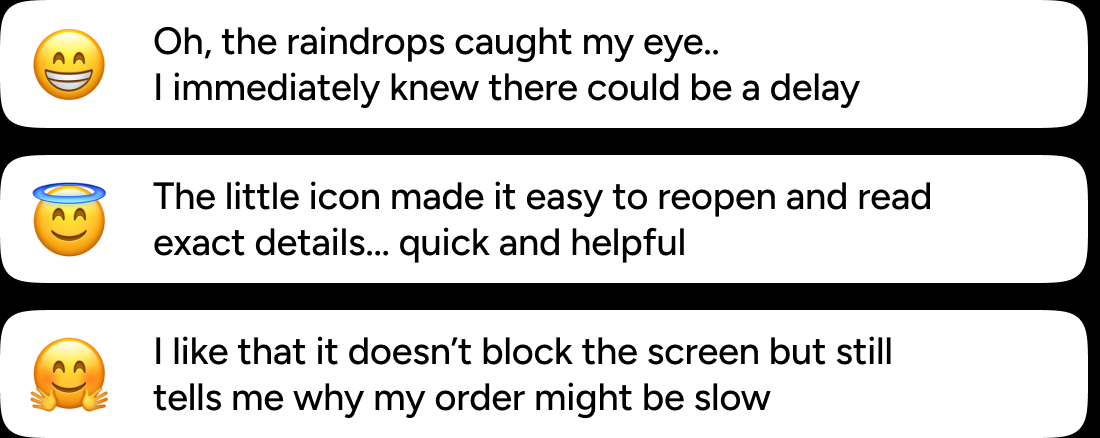
Notice rate: 70% → 90% after animation introduction.
Nudge interaction rate (percentage who tapped the nudge): 5% → 22%.